How to sync website, help center and email content with an AI agent
•7 min read
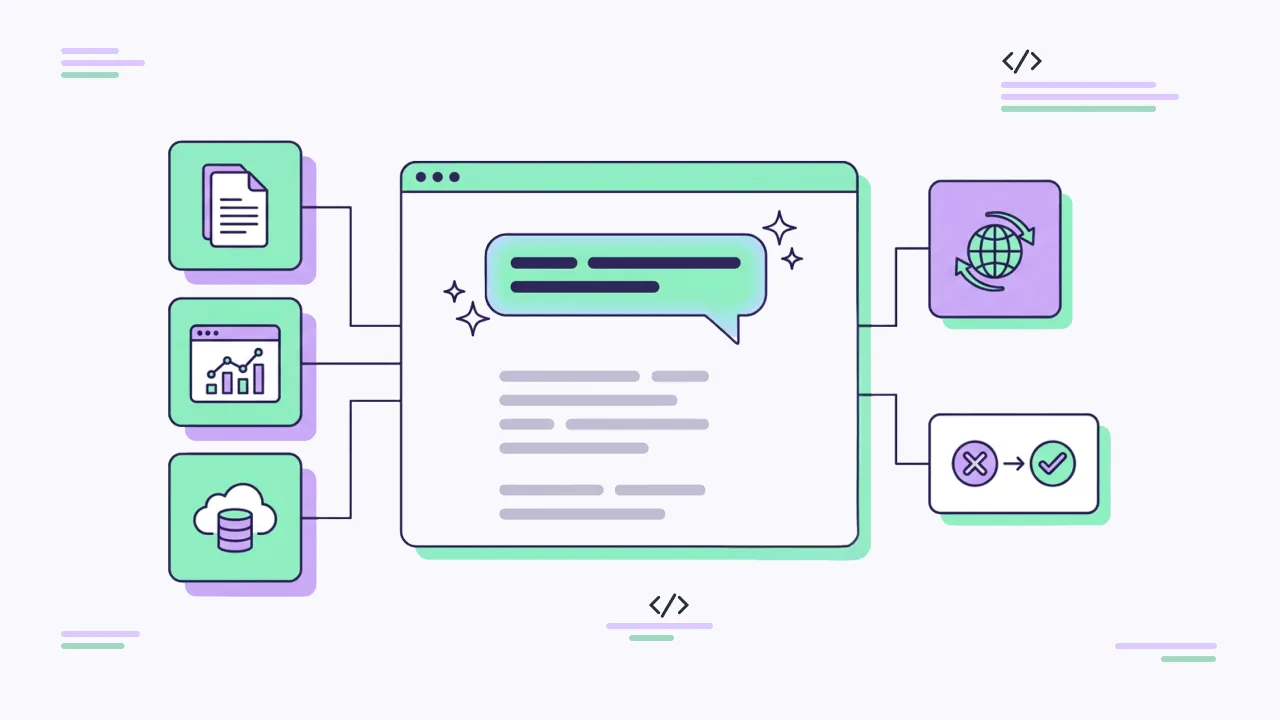
New blog posts on your website, a rewritten help center article, next week's email campaign – content that needs translating keeps arriving from different platforms. Until now, each of them meant opening its integration app in Crowdin, selecting the right items, starting the sync, checking progress, and then syncing the translations back. Automating it meant asking a developer for a script and waiting for it to reach a sprint.
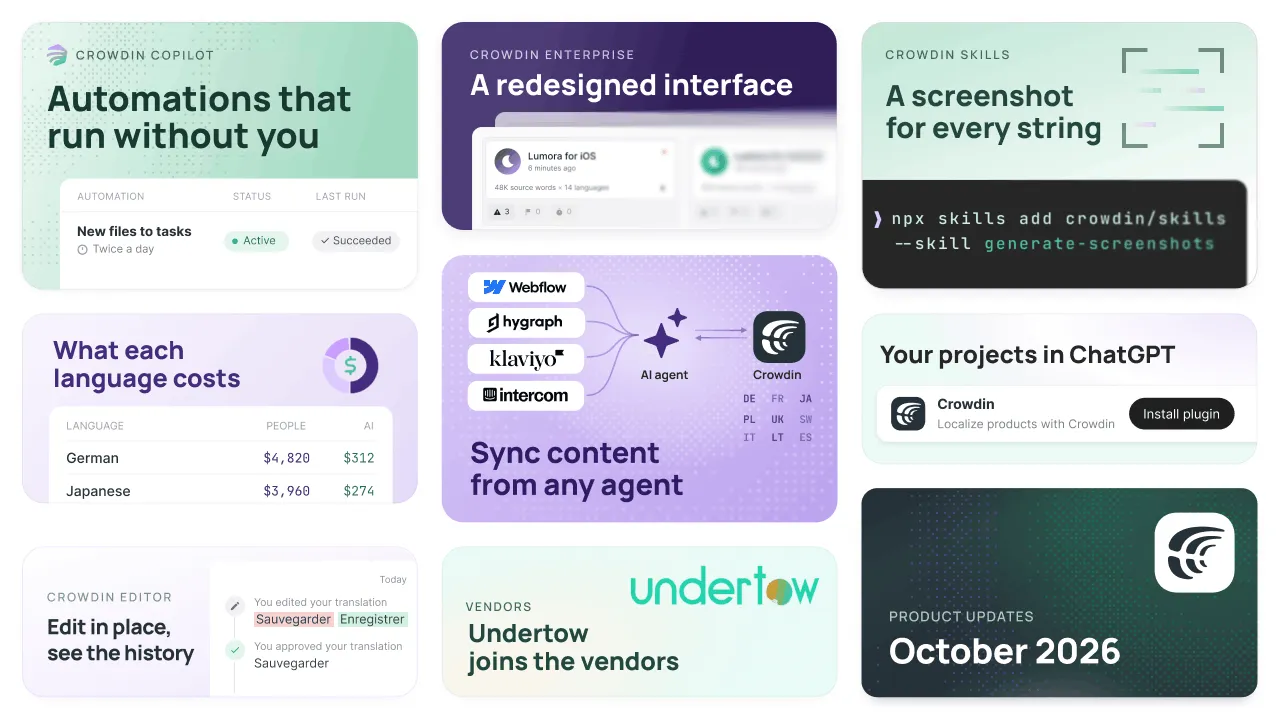
Now you can ask an AI agent instead. Describe the outcome in plain words, and the agent reads the content through your integration app, imports it into Crowdin, follows the translation, and pushes the result back to the platform. It works in Crowdin Assistant (formerly Copilot), in Claude, ChatGPT and other AI assistants connected to Crowdin, and in a terminal through Crowdin CLI. integration-sync skill teaches the agent the whole loop.
It reflects a wider shift in localization toward agentic workflows: you describe what you need in a chat window, and an agent does the work across your localization platform and the tools your content lives in.