A live markdown preview inside Neovim. It opens beside your buffer, in the terminal, and draws mermaid and D2 diagrams and math as real images.
- Live. Every keystroke re-renders. Only changed blocks are redrawn, so long documents stay fast.
- Diagrams. Mermaid and D2 render as images in your colorscheme's colors, sized to your font.
- Math. Inline
$…$becomes Unicode text; display math renders with KaTeX. - Scroll sync, both ways. The preview follows your cursor; scrolling the preview scrolls the source.
- Zoom. Open any diagram or image full-screen, then zoom and pan.
- Follow links. Web links,
#headinglinks and links to other markdown files. - Export. Write the document to PDF or HTML, diagrams and math included.
- GitHub markdown and more. Alerts, tables, task lists, footnotes,
<details>, Obsidian callouts and wikilinks, MDX.
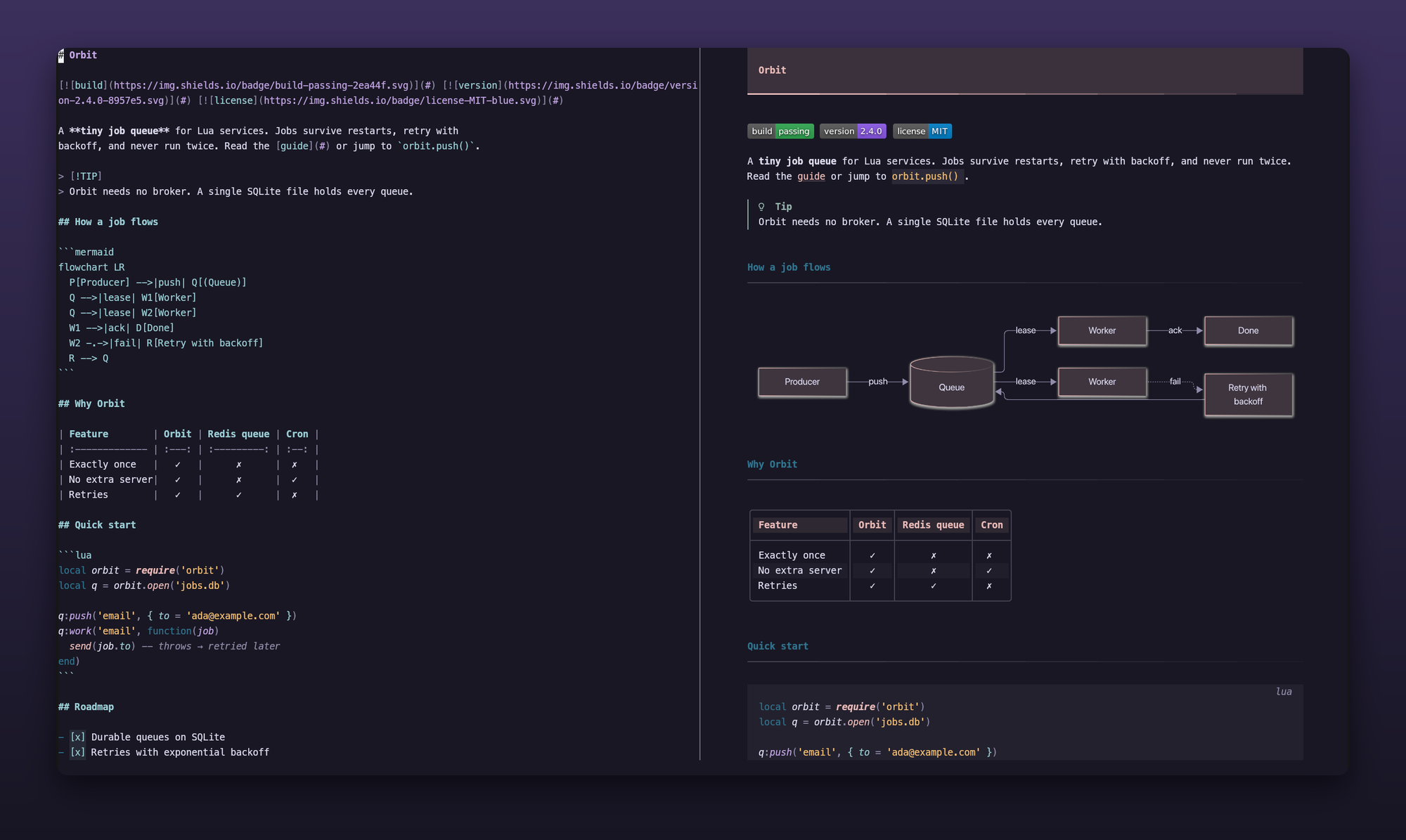
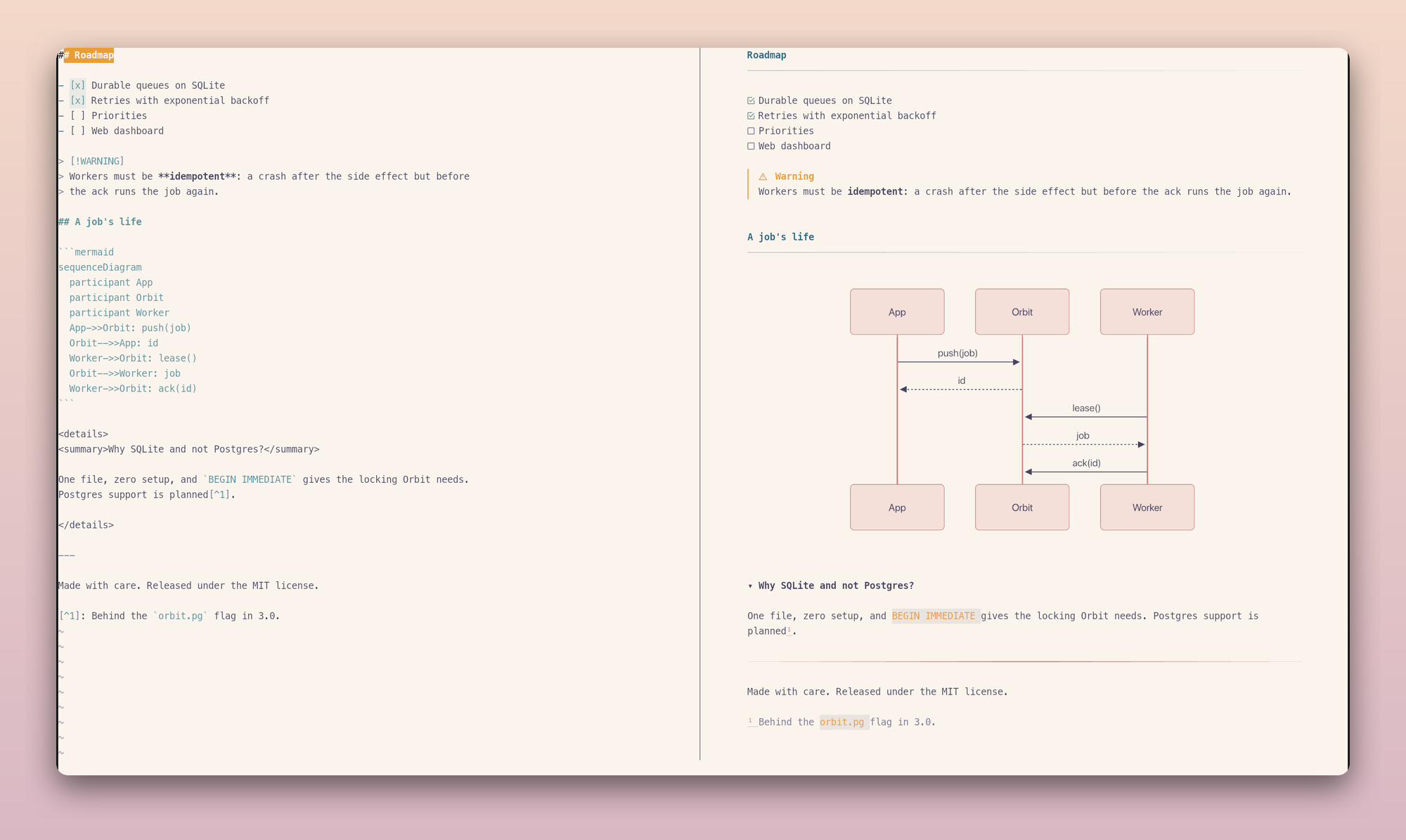
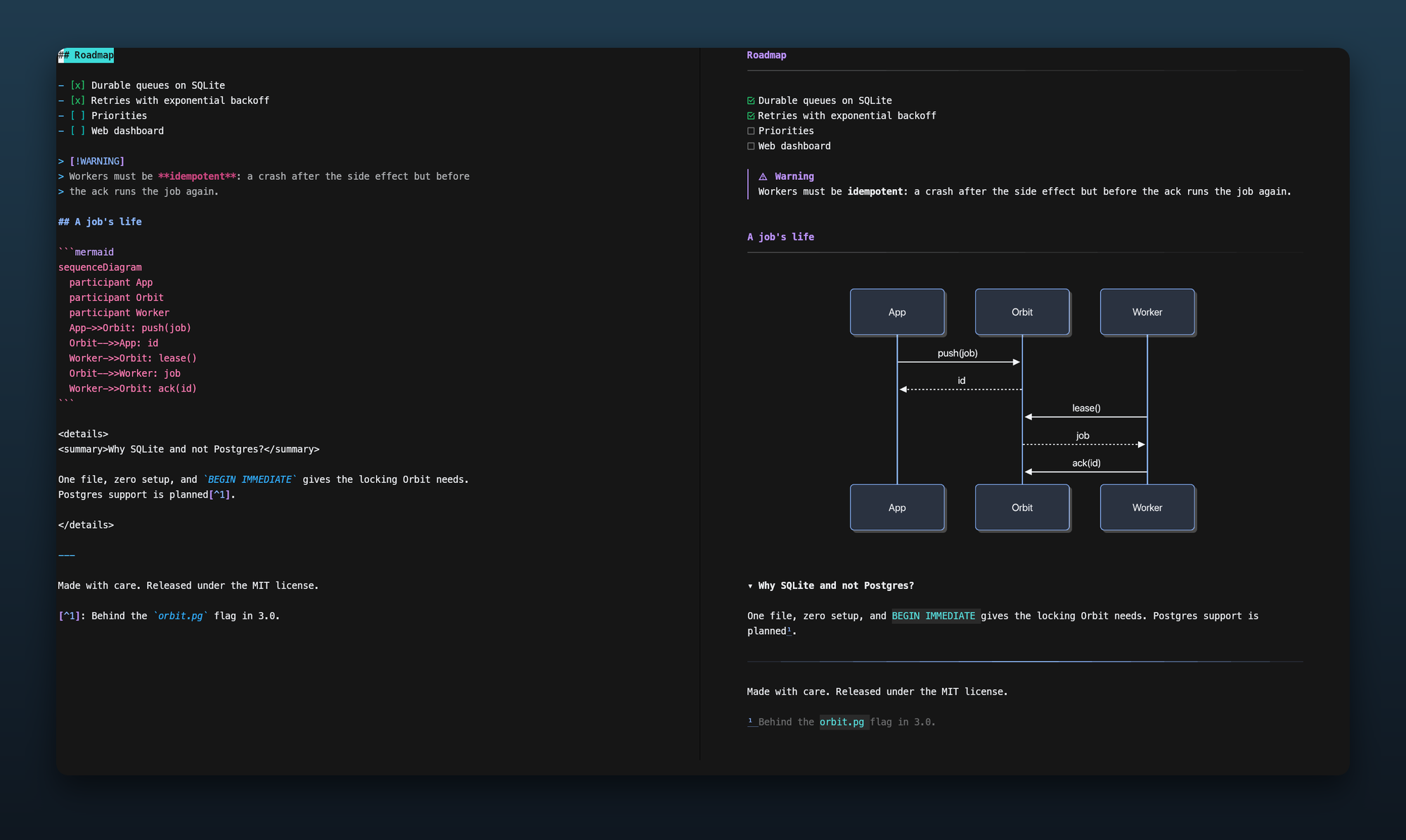
Colors follow your colorscheme, light or dark:
- Neovim 0.12 or newer, with
termguicolors. - Node.js 20 or newer, for diagrams, display math and non-PNG images.
- For images: kitty or Ghostty. Works over ssh. Elsewhere, diagrams show as code.
- In tmux, add:
set -g allow-passthrough on
set -as terminal-features ',xterm-256color:RGB'   # your outer $TERM
- A Nerd Font, for alert and checkbox icons.
{
  'blackhat-7/vellum.nvim',
  ft = 'markdown',
  keys = { { '<leader>mp', '<cmd>Vellum<cr>', desc = 'Markdown preview' } },
  opts = {},
}
lazy installs the diagram renderer for you (npm ci and a small headless Chrome).
Other plugin managers: run :Vellum build once after installing, and again after updates.
Nix: the flake's packages.<system>.plugin has the renderer and a browser built in. Node must be on your PATH. With nixvim, the module adds both:
imports = [ inputs.vellum.nixvimModules.default ];Then check your setup with :checkhealth vellum. It renders a test diagram and says what is missing.
| Command | What it does |
|---|---|
:Vellum |
Open or close the preview |
:Vellum export |
Write a PDF beside the file (:Vellum export notes.html for HTML) |
:Vellum build |
Install the renderer (not needed with lazy or Nix) |
In the preview:
<CR>orgxon a link follows it.<CR>on a diagram or image opens it full-screen.qcloses the preview.- With
tab = true,TabandS-Tabswitch between the source and preview tabs.
Full-screen: + / - or Ctrl+wheel zoom, hjkl or the mouse pan, 0 fits, q closes.
To zoom from the markdown buffer, map require('vellum').zoom():
vim.keymap.set('n', '<leader>mz', function() require('vellum').zoom() end)The defaults:
require('vellum').setup({
  split = 'right',   -- where the preview opens: 'right', 'left', 'above' or 'below'
  size = nil,        -- its width or height in cells; nil for half
  tab = false,       -- true: open the preview in its own tab instead
  auto_open = false, -- true: open the preview whenever a markdown file is shown
  max_width = 100,   -- widest text column in the preview
  max_pixels = nil,  -- cap on pixels per rendered picture; nil for no cap
})
A misspelled option is skipped with a warning.
Colors. The preview uses highlight groups named Vellum* (:filter /^Vellum/ hi lists them). Your own definitions win. Set them in a ColorScheme autocmd so they survive a colorscheme change:
vim.api.nvim_create_autocmd('ColorScheme', {
  callback = function() vim.api.nvim_set_hl(0, 'VellumH1', { fg = '#ff9e64', bold = true }) end,
})max_pixels. Some terminal multiplexers drop large images without a word (herdr shows nothing above about 5.9 megapixels). Set max_pixels = 5.5e6 there; big diagrams then render at a lower resolution.
Mermaid renders with the same engine as GitHub, in a headless Chrome.
D2 works with no extra install. If the d2 command is installed, it is used instead: a newer D2, with your layout plugins (like TALA) and D2_* settings.
- A diagram's own
vars: { d2-config: { ... } }wins:theme-id,theme-overrides,pad,sketch,layout-engine. - Icons can be URLs or files; file paths are relative to the markdown file.
- Markdown, LaTeX and code labels render.
- Only the main board is drawn;
layers,scenariosandstepsare not.
Each picture renders once and is cached on disk (up to 100 MB).
| Markdown | In the preview |
|---|---|
| Headings | colored by level, H1 band, H2 rule |
Bold, italic, strike, code, links, URLs |
styled inline |
| Lists, task lists | bullets by depth, checkboxes |
Quotes, > [!NOTE] alerts, Obsidian callouts |
colored bar and title |
| Tables | aligned, wrapped to fit |
| Code blocks | syntax colors, language label |
```mermaid, ```d2 |
image (code outside kitty and Ghostty) |
$…$, $$…$$, ```math |
Unicode text inline; KaTeX image for display math |
| Images: PNG, JPG, GIF, WebP, SVG, local or web | image (alt text elsewhere) |
| Footnotes | superscript refs, notes at the end |
==highlight==, [[wikilinks]] |
marked text, links you can follow |
Front matter, HTML, <details> |
shown as text; comments hidden; details open |
MDX (.mdx) |
as markdown; import/export and {/* comments */} hidden |
See CONTRIBUTING.md.
MIT