
The fast, open-source Mac launcher that also converts files locally.
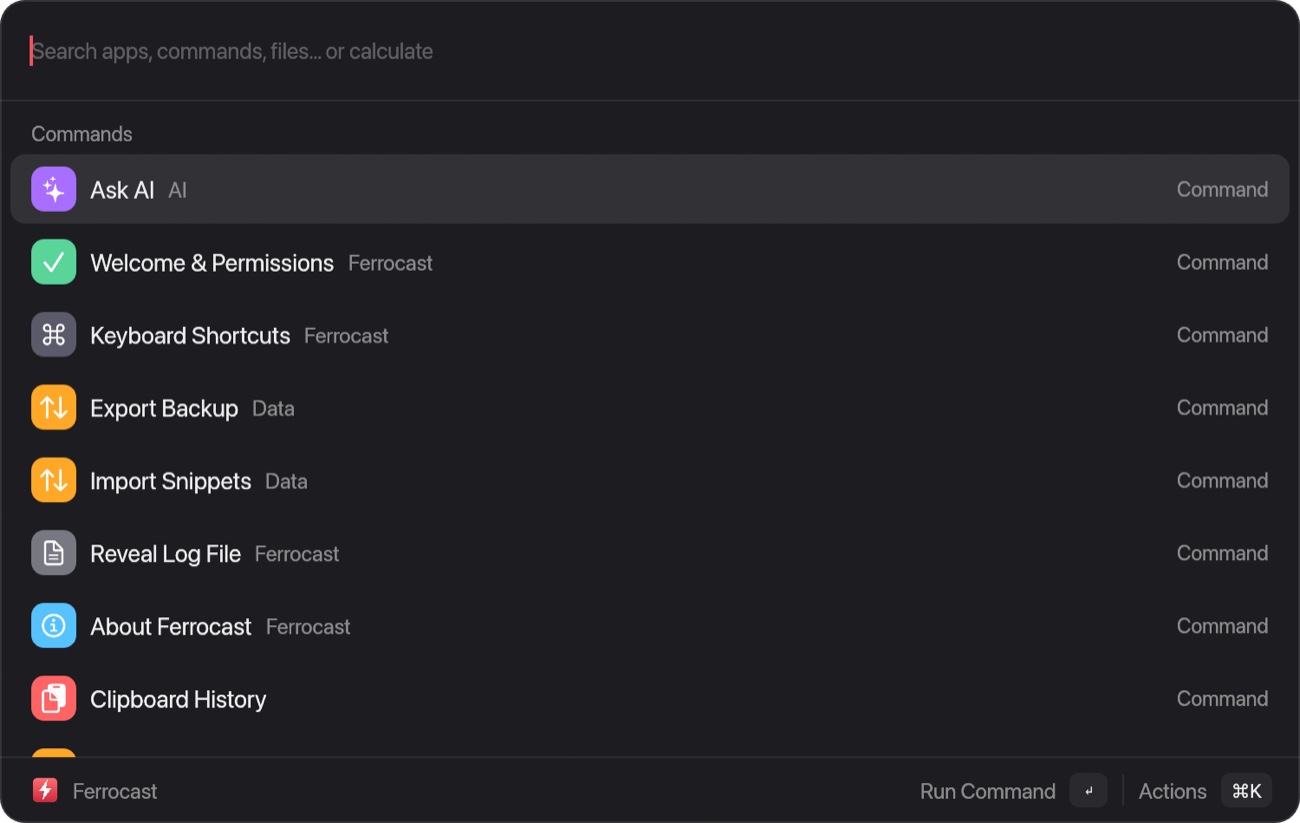
Fast, open-source launcher for macOS, written in Rust. Search, calculate, paste and ask AI from the keyboard; drag any file, tap a key, and convert, compress, crop, trim or redact it on your Mac. File conversions and file tools run on your Mac and do not upload your files.


| Licence | MIT |
| Platform | DMG/zip: Apple Silicon and Intel (Intel not tested on real hardware) |
| Footprint | One process at idle (measured method) |
| Account | None; no subscription tier |
| File conversion | 275 pairs across 46 input formats, 26 tools, 7 actions — all local |
| Launcher | Search, calculator, clipboard, snippets, quicklinks, ~40 window commands, Raycast-compatible Script Commands |
| Ask AI | Ollama on your Mac by default; optional cloud providers |
| Privacy | Conversions stay on disk; see data and privacy for network use (currency rates, optional AI) |
| Install | DMG or Homebrew (below); first DMG open may need Open Anyway in System Settings |
| More | Key facts & FAQ · llms.txt for AI assistants |
Download the latest DMG, drag Ferrocast to Applications and open it. It is ad-hoc signed, so macOS asks for “Open Anyway” the first time. Downloaded copies check for updates about hourly and show the Ferrocast logo in the search bar when one is ready: click it to update (settings: General → Updates). All releases are on the Releases page.
Alternative: Homebrew.
brew tap drumst0ck/ferrocast
brew install drumst0ck/ferrocast/ferrocast  # builds on your Mac (needs Rust, Homebrew installs it)
ln -sfn "$(brew --prefix)/opt/ferrocast/Ferrocast.app" /Applications/Ferrocast.app
open /Applications/Ferrocast.app            # grant Accessibility when asked
brew upgrade ferrocast                      # to update
Why a formula and not a cask. Homebrew's official cask requires signed, notarized apps (a paid Apple Developer account). Building from source on your own Mac means the app carries no quarantine flag and Gatekeeper does not step in. It needs no paid account and bypasses no protection. The first install takes a few minutes because it compiles, and the signature is ad-hoc, for local use.
Run brew tap first: Homebrew refuses to load formulae from a tap you have not added. The formula lives in drumst0ck/homebrew-ferrocast and follows each stable release automatically. The DMG/zip runs on Apple Silicon and Intel Macs (one universal download; Intel is not tested on real hardware). Homebrew builds from source for your Mac's own architecture. More in the install guide.
- Search apps, commands and files with frecency, aliases, favorites and a hotkey per command.
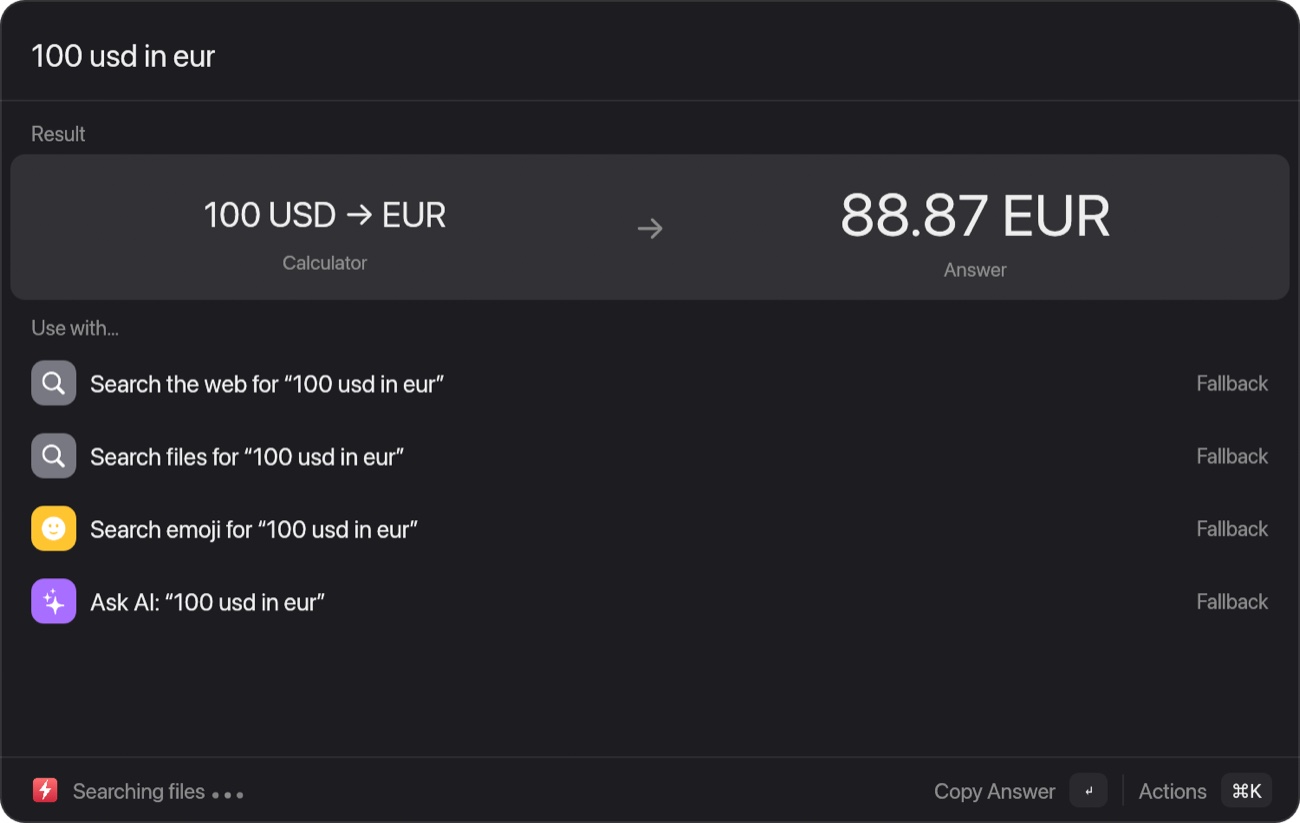
- Calculate in the search box: math, percentages, units, currencies (ECB rates) and time zones.
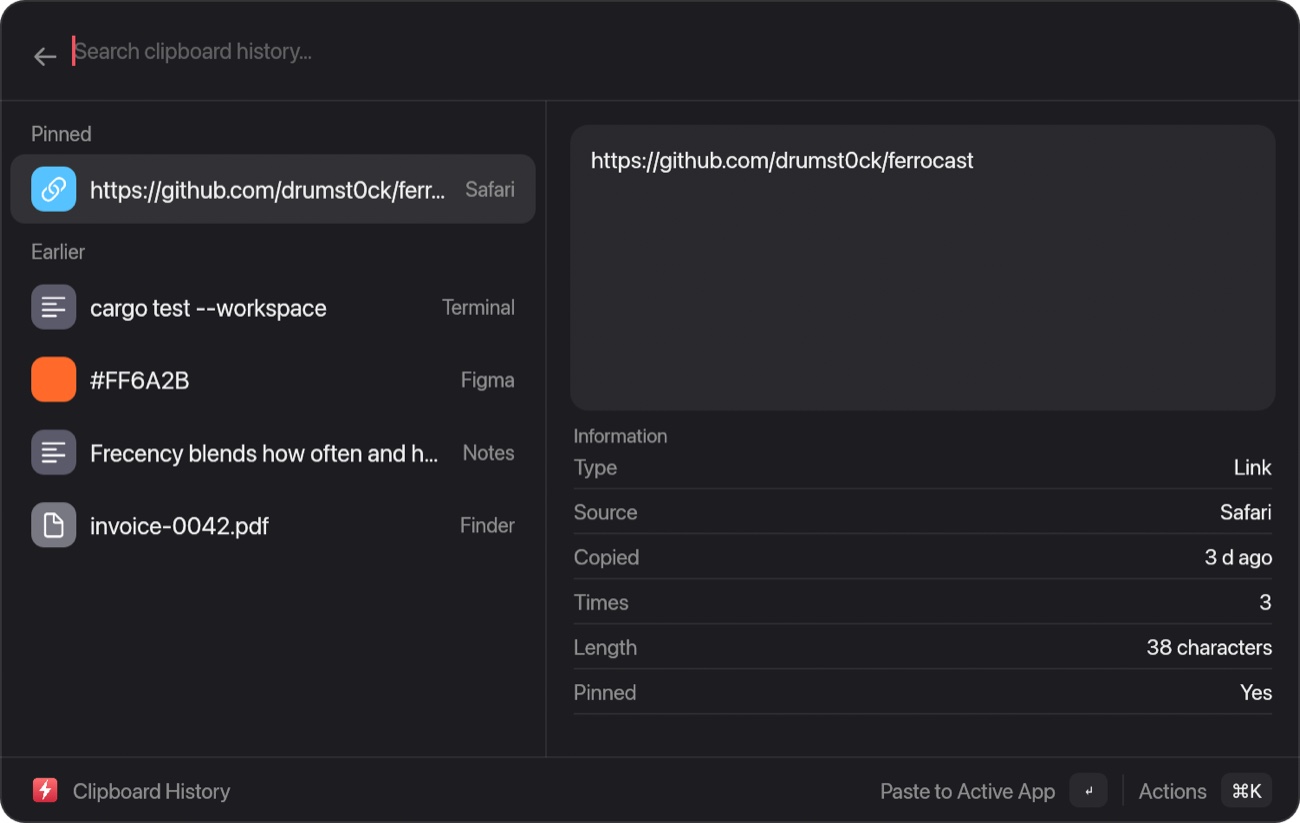
- Clipboard history for text, files and images; password-manager entries are skipped.
- Snippets with placeholders and auto-expansion, and quicklinks with arguments.
- Script Commands compatible with Raycast metadata (full, compact, silent, inline).
- Window management with about 40 layouts, plus Kill Process, timers, notes, emoji and Quick Look.
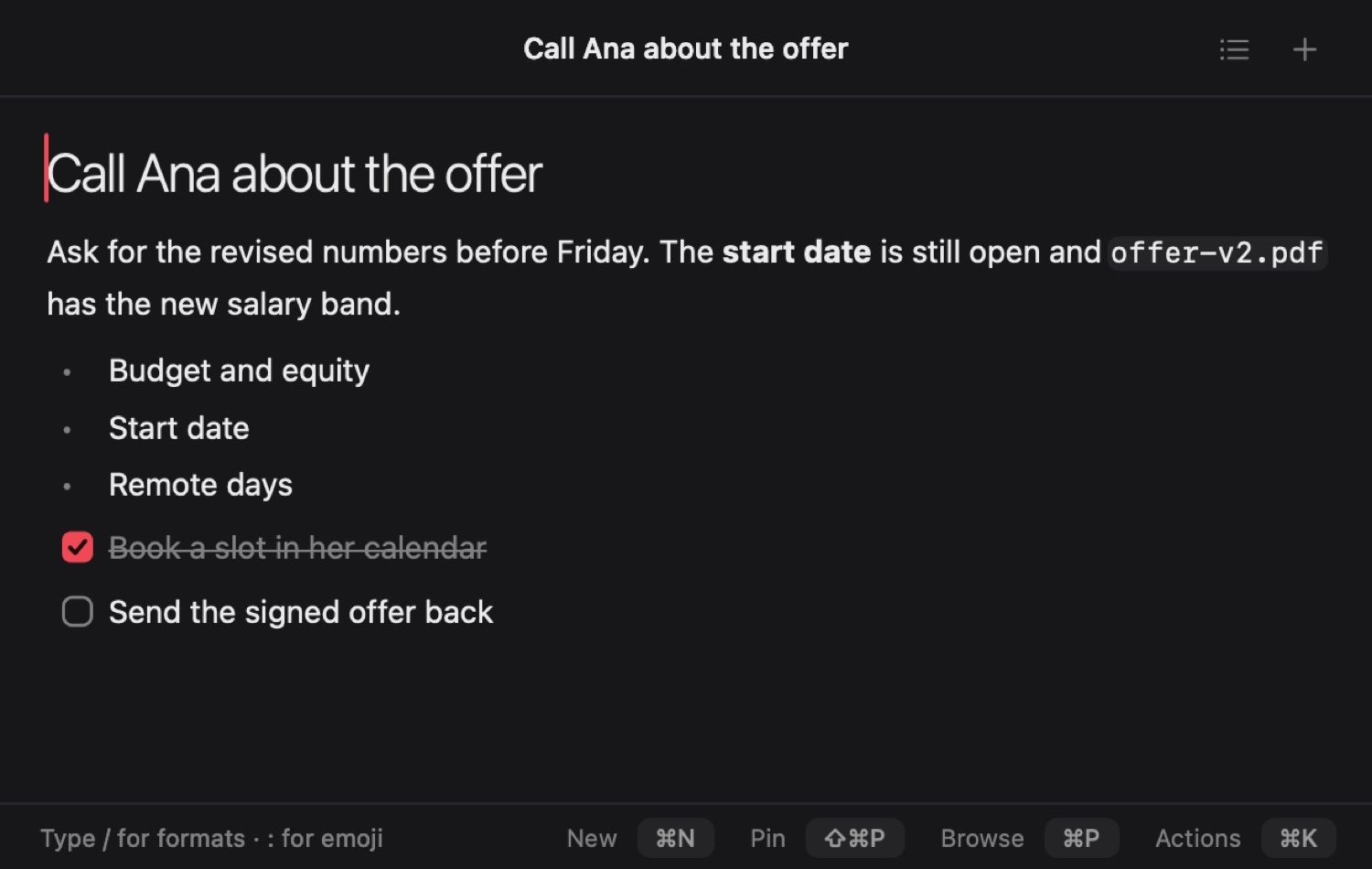
- Notes: floating Markdown notes with images (paste, drag or Insert Image…; PNG, JPEG, GIF, HEIC and WebP up to 20 MB), a
/menu, pinning, export,ferrocast://links, AI commands and dictation. Obsidian vault notes are not edited in that window. - Interface languages: English, Spanish, German, French, Brazilian Portuguese, Japanese and Simplified Chinese. Follows the macOS language order, or Settings → General → Language. Kept on each Mac, not synced. Untranslated text falls back to English. Names you type and Raycast extension UI are never translated.
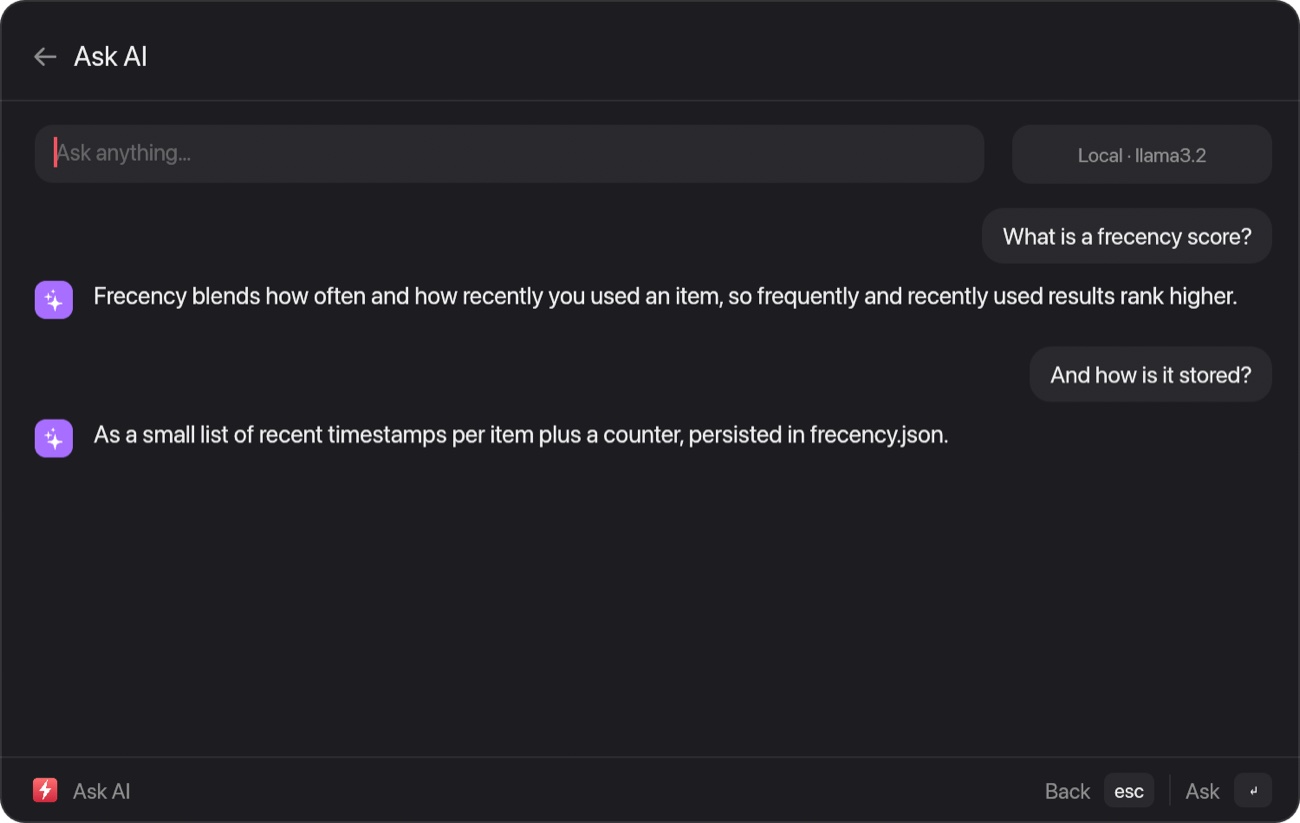
- Ask AI with Ollama, any OpenAI-compatible server, the Anthropic API, Claude Code, or Sign in with ChatGPT.
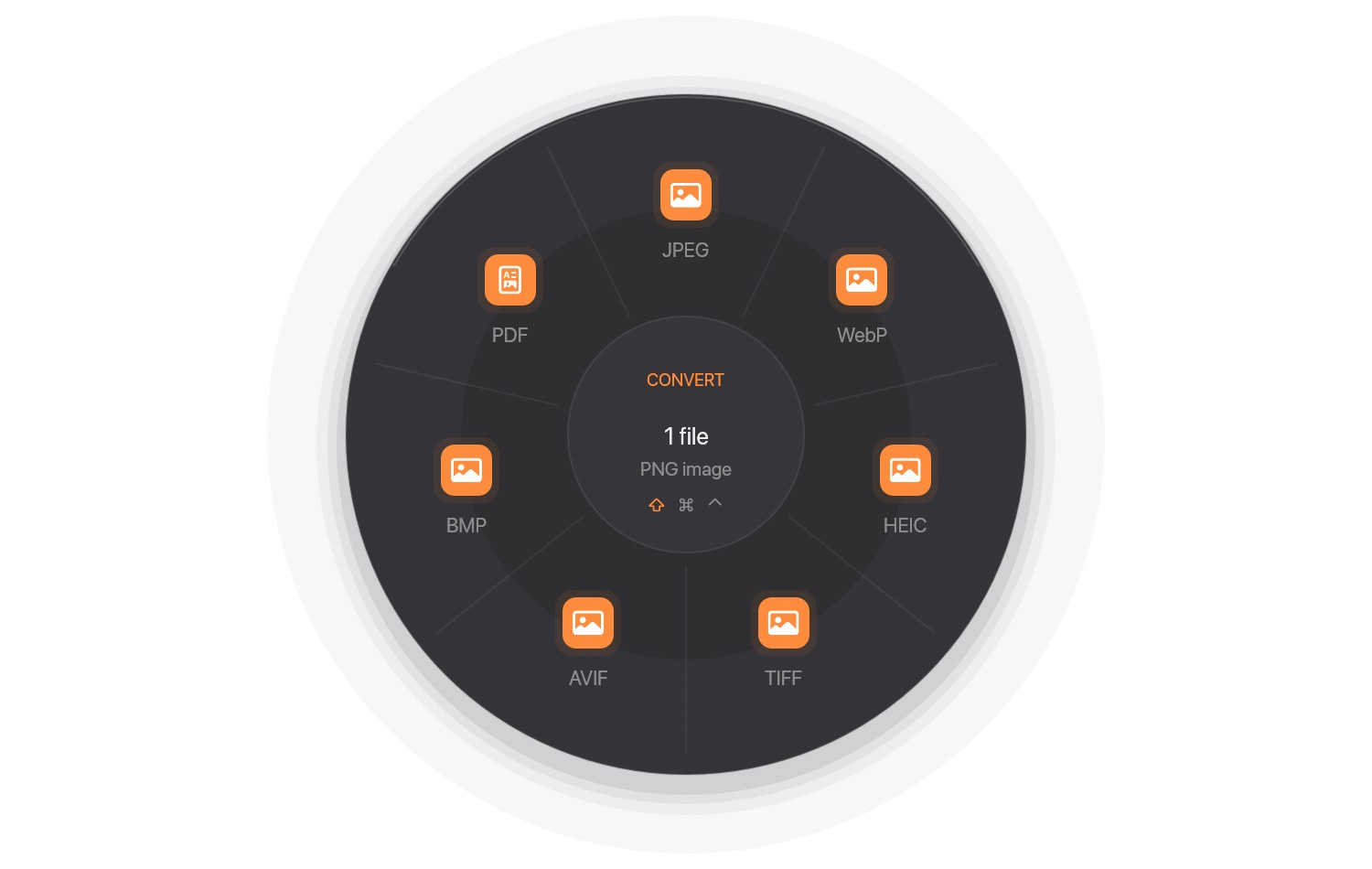
- Drag a file, then tap ⇧ for conversions, ⌘ for tools or ⌃ for actions.
- 275 conversions across 46 input formats (images, audio, video, documents, spreadsheets, PDF, slides, subtitles, archives).
- 26 file tools: compress, crop, trim, split, merge, redact, annotate, edit metadata, organize PDF pages and more.
- 7 file actions: AirDrop, shelf, copy, move, copy path, Terminal and Zip.
- Translate wheel: drag selected text, tap ⌘, and drop on a language. The translation replaces the selection in place where the app allows it and opens in a window otherwise. It runs through your Ask AI provider (Ollama stays local; ChatGPT and Claude subscriptions work too).
- Local only. macOS tools come first; ffmpeg, LibreOffice, cwebp, unrar and Ghostscript are optional. Results go next to the original and never overwrite it.
Browse every pair at https://ferrocast.app/files/ · Free file converter for Mac · Remove metadata · Blur part of a video
Ferrocast is independent and not affiliated with Raycast or Alfred. This table only states what this repository documents.
| Topic | Ferrocast | Notes for people coming from other launchers |
|---|---|---|
| Price & source | MIT, open source, no account | See each product’s own site for pricing and licence |
| Script Commands | Raycast-compatible metadata (full, compact, silent, inline) | Existing Script Commands run as they are (migration guide) |
| Snippets | Import from a Raycast JSON export | Quicklinks are recreated by hand |
| File conversion & tools | 275 local conversion pairs and 26 file tools built in | Not documented in this repo for Raycast or Alfred |
| Extensions & sync | No extension store of its own. Extensions you already installed with Raycast can run (partial, off by default, Node.js 22+). Opt-in iCloud Drive sync, off by default | Not supported yet: menu bar commands, OAuth, AI extension features, file picker, link accessory. Also not included: Search Menu Bar Items, AI context from selection or screen (migration guide, extensions, sync) |
More: Ferrocast vs Raycast · Raycast alternative · Alfred alternative · Script Commands
- An extension store of its own. Ferrocast does not contact Raycast’s Store and is not affiliated with Raycast.
- Full Raycast extension support. In a test, 34 of 40 view commands from 20 popular extensions worked. Menu bar commands, OAuth sign-in, AI features, the file picker and the link accessory are not supported yet.
- Search Menu Bar Items and AI context from selection or screen.
Out of the box Ask AI talks to Ollama on your own Mac. You can point it at LM Studio, OpenAI or the Anthropic API (keys go to the Keychain), or use Claude Code with your Claude plan. Sign in with ChatGPT uses the same flow as OpenAI's Codex CLI; OpenAI has not blessed third-party use of it, so the API with a key is the by-the-book route.
Data lives in ~/Library/Application Support/Ferrocast as plain, unencrypted JSON (FERROCAST_DATA_DIR changes the path). With Sync with iCloud on (Settings → Advanced, off by default), settings, snippets, quicklinks, notes, clipboard history, Ask AI chats and custom themes are also copied to iCloud Drive. Keychain API keys stay on each Mac.
scripts/bundle.sh          # builds dist/Ferrocast.app (ad-hoc signed, local use only)
scripts/dmg.sh             # dist/Ferrocast-<version>.dmg
open dist/Ferrocast.app    # default hotkey: ⌥ Space
cargo test --workspace
Rust 1.95 is pinned in rust-toolchain.toml (egui 0.36 requires it). The DMG is not notarized: on another Mac macOS asks for Open Anyway once (see Install); Homebrew avoids that prompt because it builds on the Mac that runs it. See CONTRIBUTING.md.
The site in web/ ships as a Docker image (see web/Dockerfile). The Content-Security-Policy is enforced (inline scripts allowed by hashes computed at server start) and violations are still reported to /api/csp-report/. GET /api/csp-report/summary/ returns 404 unless CSP_REPORT_SUMMARY_TOKEN is set and the request sends Authorization: Bearer <token> or ?token=<token> (Cache-Control: no-store, X-Robots-Tag: noindex); with the variable unset or empty nobody can read it. POST /api/csp-report/ stays open so browsers can submit reports, but only reports for ferrocast.app pages are stored, and the per-IP rate limit uses the address the single front proxy appends to X-Forwarded-For.
ferrocast.app/docs · Changelog (RSS) · Feature research
MIT, see LICENSE.