AI sovereignty for the JVM






Quixotic AI provides a complete, open stack for local AI on the JVM.
From tokenizers and model formats to a full inference engine with multi-modal capabilities.
No Python. No ONNX. No external services. Just AI, in a jar.
- Designed from first principles for the JVM. AI runs end-to-end on the JVM. No sidecar servers, no ONNX, no IPC, no Python.
- Write once, accelerate everywhere. A common tensor API for CPUs and GPUs.
- Optional native acceleration. Fast matrix multiplication routines, competitive with
llama.cpp. - GraalVM's Native Image. First-class support for GraalVM Native Image: self-contained binaries, with small footprint and millisecond startup.
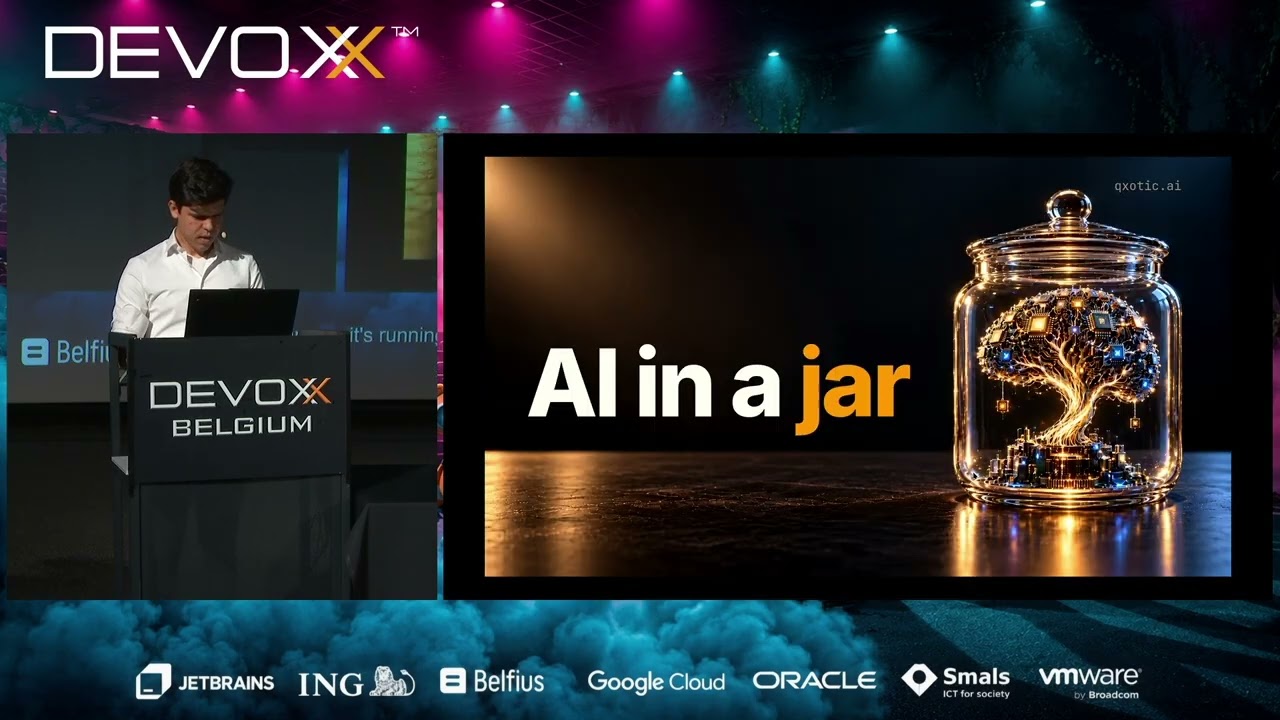
Presented at Devoxx Belgium 2026
| Module | What it is | One-liner |
|---|---|---|
jinfer |
AI inference engine | Local AI inference for the JVM. Chat, vision, audio, embeddings, reranking, decisions, text-to-speech |
toknroll |
LLM tokenization | Token-perfect. Fast tokenizers for LLMs, pure Java, zero dependencies |
jam |
Quantized matrix multiplication | Just a matmul. Native implementations for several CPU ISAs |
jota |
Tensor engine | Write once, accelerate everywhere. Java, C, CUDA, HIP, Metal, OpenCL, Mojo |
gguf |
GGUF reader/writer | llama.cpp's model format, pure Java, zero dependencies |
safetensors |
Safetensors reader/writer | Hugging Face's model format, pure Java, zero dependencies |
The demos need Java 25+ and JBang. The first run downloads the CLI and the model.
jbang jinfer@qxoticai chat -m LiquidAI/LFM2.5-350M-GGUF:Q8_0jbang jinfer@qxoticai server -m openbmb/MiniCPM5-2B-GGUF:Q4_K_M --context-capacity 16384Then, from another terminal, any OpenAI client works against http://localhost:54154/v1:
curl -s http://localhost:54154/v1/chat/completions \
  -d '{"messages": [{"role": "user", "content": "What is the capital of France?"}]}'

Live transcription with jinfer-parakeet, running on the JVM.
Try it yourself. Run the command for your platform, start talking, and watch the words appear as you speak. ffmpeg captures the microphone:
# Linux
ffmpeg -nostats -loglevel error -f pulse -i default -ar 16000 -ac 1 -f s16le - \
  | jbang jinfer@qxoticai transcribe -m mudler/parakeet-cpp-gguf/tdt-0.6b-v3-q4_k.gguf - --raw-pcm

# macOS
ffmpeg -nostats -loglevel error -f avfoundation -i ":default" -ar 16000 -ac 1 -f s16le - \
  | jbang jinfer@qxoticai transcribe -m mudler/parakeet-cpp-gguf/tdt-0.6b-v3-q4_k.gguf - --raw-pcm
On Linux and macOS these use the system's default microphone. On Windows, ffmpeg has no default input, so it needs the microphone's name. List the devices first:
ffmpeg -hide_banner -list_devices true -f dshow -i dummyThen put the name of the (audio) entry in audio="...", and run from cmd or PowerShell 7.4+:
ffmpeg -nostats -loglevel error -f dshow -i audio="Microphone (Realtek(R) Audio)" -ar 16000 -ac 1 -f s16le - ^
| jbang jinfer@qxoticai transcribe -m mudler/parakeet-cpp-gguf/tdt-0.6b-v3-q4_k.gguf - --raw-pcmRequires a JDK 25 and Maven 3.9; cmake and a C compiler to build the native jam kernels.
make test-fixtures   # once after cloning: tokenizer vocabularies, golden truth, enwik8, Parakeet speech
make test            # the default suite: no models, no network
make ci              # what a pull request runs: formatting, the suite, the corpus tests, the release shape
make help lists the rest.
The suites that need models or hardware are opt-in; each module's README describes how to run them.
See CONTRIBUTING.md before opening a pull request.
The source code is licensed under the Apache License 2.0.
The native artifacts, the jinfer command and the libjinfer and libtoknroll libraries in every package they ship in, are built with Oracle GraalVM and carry its runtime under the GraalVM Free Terms and Conditions: free to use, commercially too, but a product sold for a fee that bundles them is not covered.
See the NOTICE files of libjinfer and libtoknroll.